Account & Team Management
Managing team members and permissions
Control who can access and modify your WorkSignals data.
Managing team members and permissions
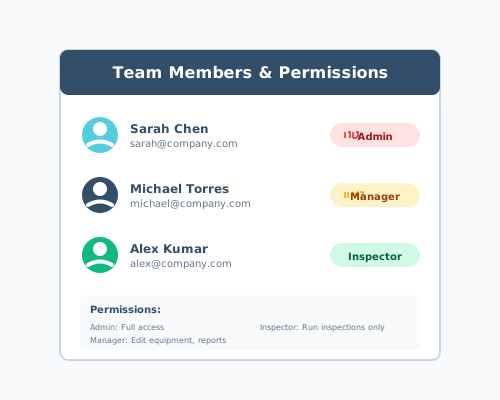
Assign appropriate permission levels to keep your data secure while enabling collaboration.
Access Team Settings to view all members, adjust their roles (Admin, Manager, or Inspector), and control what features each team member can access.