Help Centre

Getting Started
New users, onboarding, basic concepts
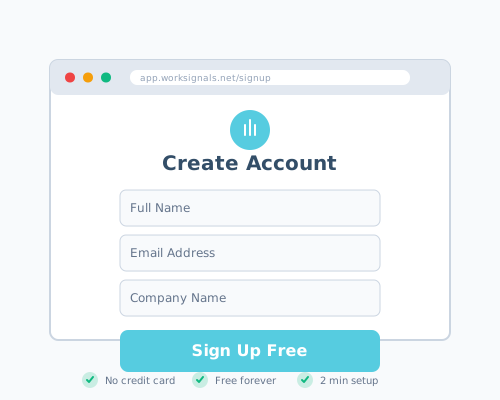
Creating your WorkSignals account
Learn how to set up your WorkSignals account in minutes.
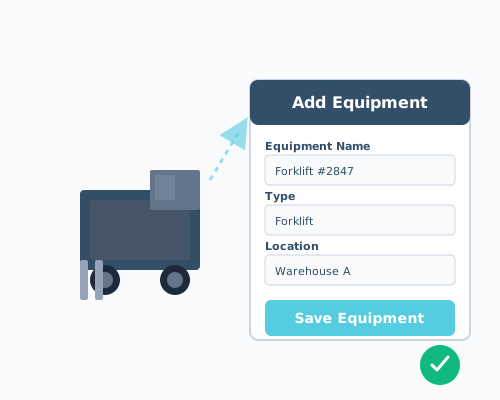
Your first equipment setup
Add your first piece of equipment and get ready to track inspections.
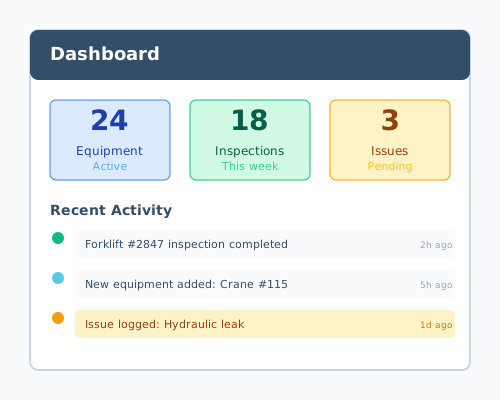
Understanding the dashboard
Navigate your WorkSignals dashboard and understand key metrics.
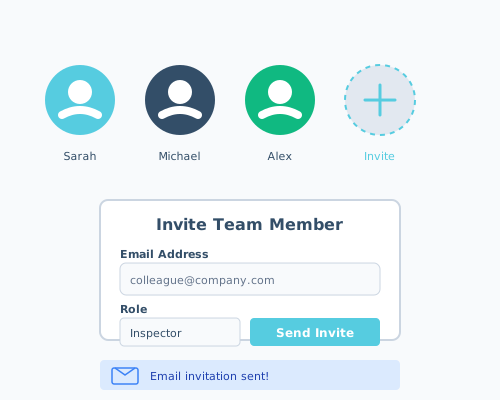
Inviting team members
Add your team to WorkSignals and collaborate on inspections.
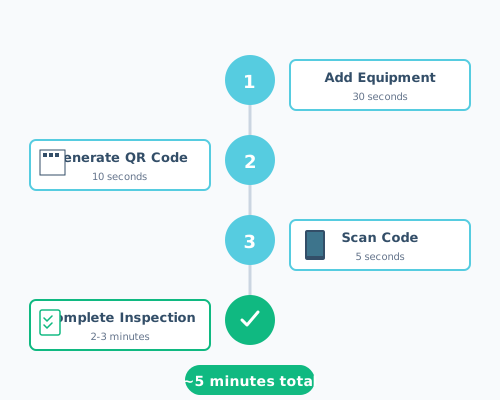
Quick start guide: First inspection in 5 minutes
Complete your first equipment inspection in just 5 minutes.
Equipment Management
Adding, organizing, and tracking equipment
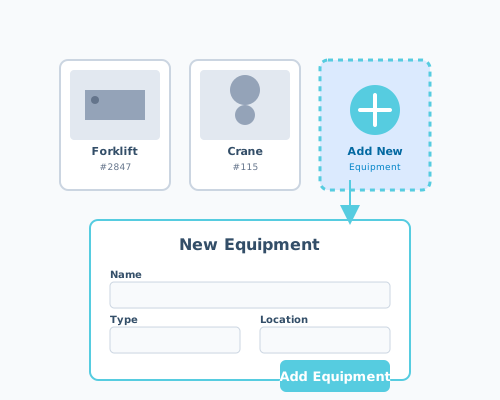
How to add equipment to WorkSignals
Step-by-step guide to adding equipment to your account.
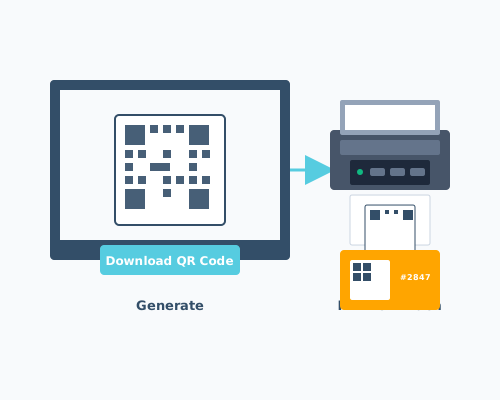
Generating and printing QR codes
Create and print QR codes for quick equipment access.
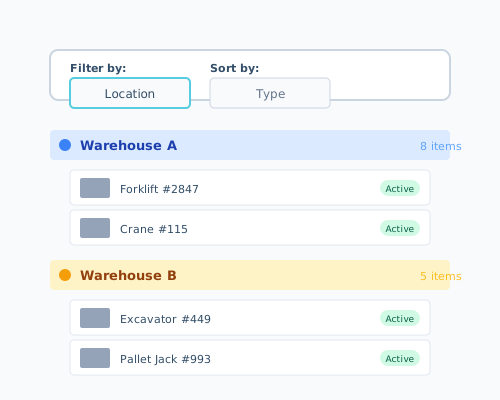
Organizing equipment by location or type
Structure your equipment inventory with categories and locations.
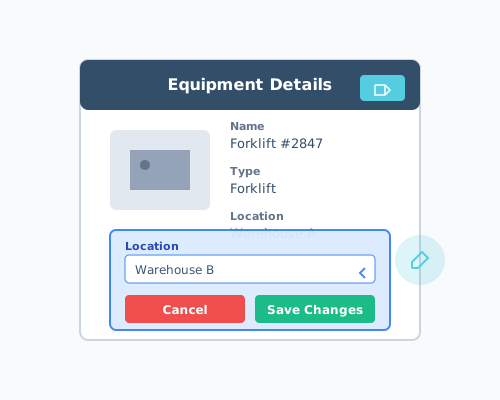
Editing equipment details
Update equipment information and specifications.
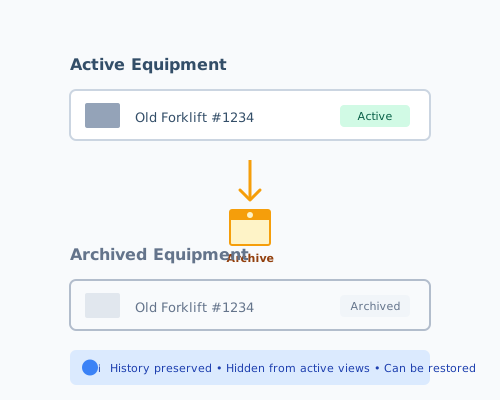
Deactivating or archiving equipment
Remove equipment from active use while preserving history.
Inspections
Running inspections, templates, workflows
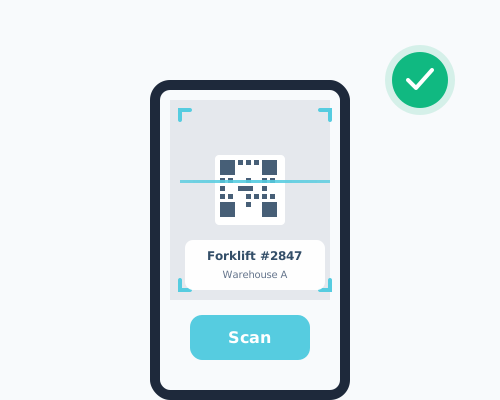
Scanning QR codes to start inspections
Use your mobile device to quickly start equipment inspections.
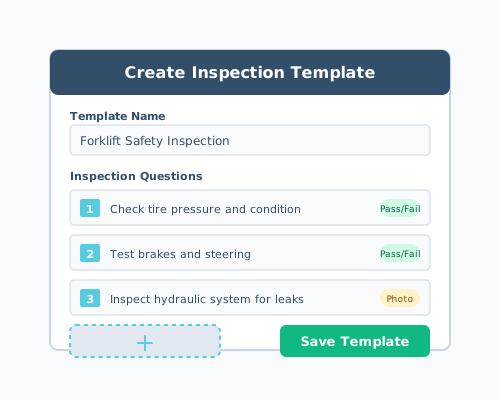
Creating custom inspection templates
Build inspection forms tailored to your specific equipment needs.
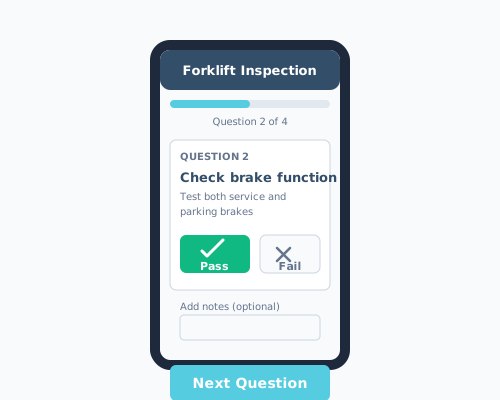
Answering inspection questions
Complete inspection forms and document equipment condition.
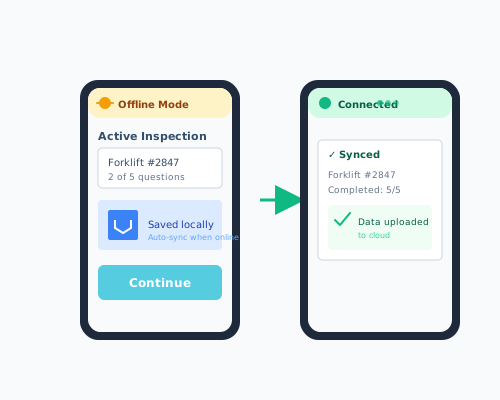
Using offline mode for inspections
Complete inspections without internet connectivity.
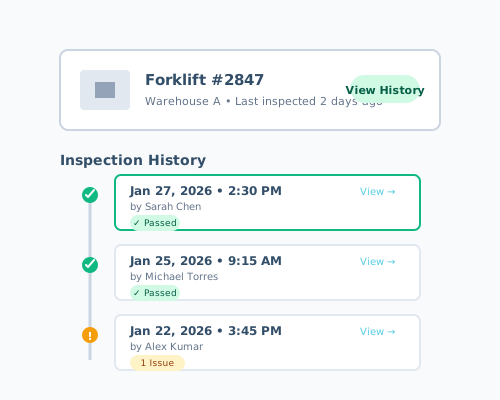
Viewing inspection history
Review past inspections and track equipment over time.
Issues & Documentation
Logging issues, photos, severity tracking
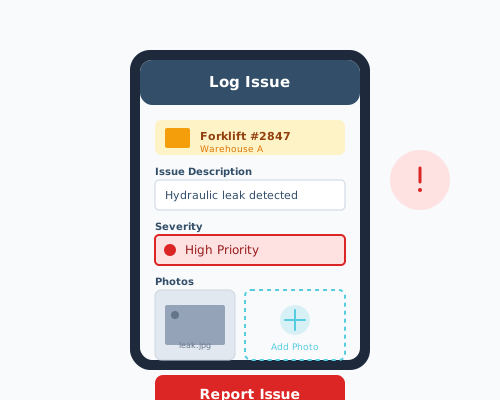
Logging an equipment issue
Document problems found during inspections.
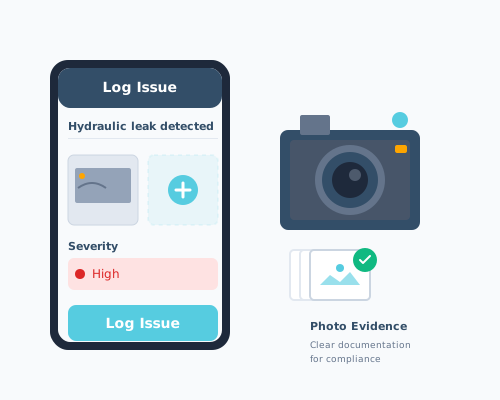
Adding photos to issues
Capture visual evidence of equipment problems.
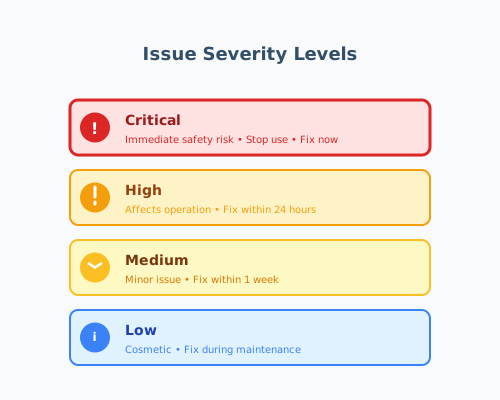
Setting issue severity and priority
Classify issues to prioritize maintenance and repairs.
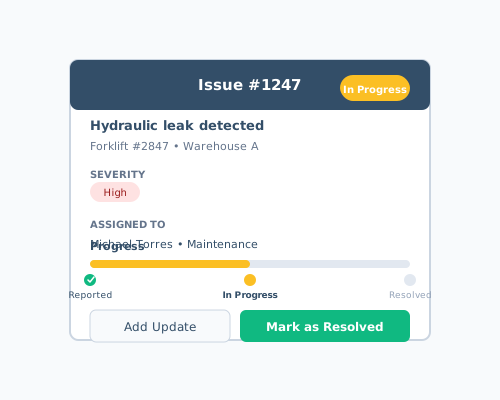
Tracking issue resolution
Monitor repairs and maintenance from discovery to completion.
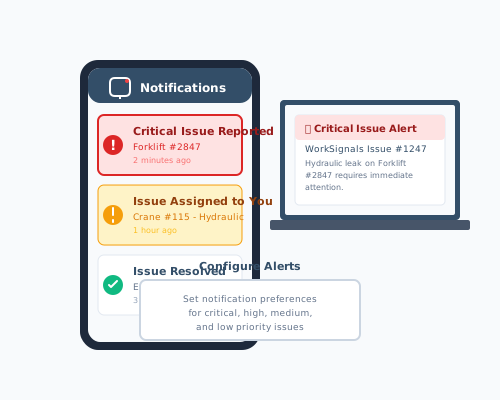
Issue notifications and alerts
Stay informed about critical equipment issues.
Reports & Compliance
Exporting data, audit trails, compliance
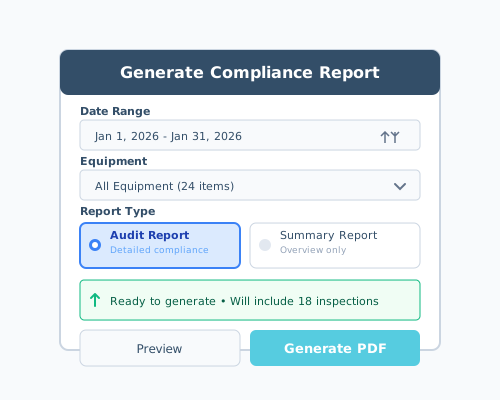
Generating compliance reports
Create reports for audits and compliance requirements.
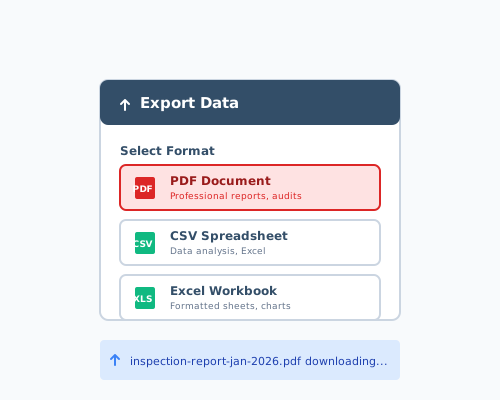
Exporting data (CSV, PDF, Excel)
Export your inspection and equipment data in multiple formats.
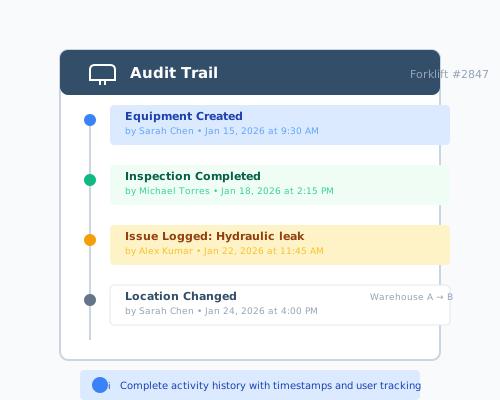
Understanding audit trails
Track all changes and activities in your account.
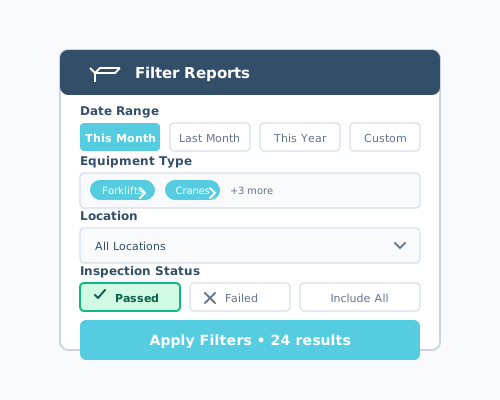
Filtering reports by date or equipment
Refine reports to show exactly the data you need.
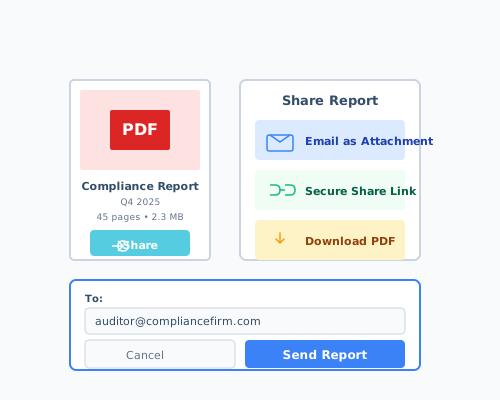
Sharing reports with auditors
Securely share compliance documentation with external auditors.
Account & Team Management
Settings, team, permissions, billing
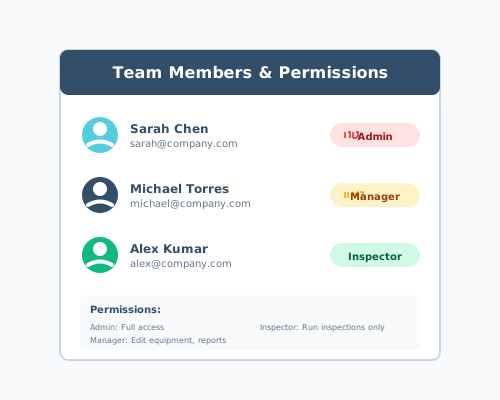
Managing team members and permissions
Control who can access and modify your WorkSignals data.
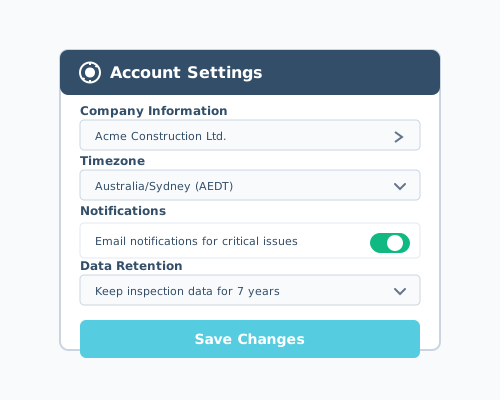
Updating account settings
Manage your account preferences and configuration.
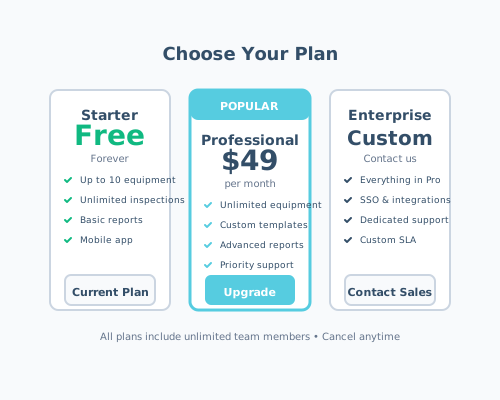
Understanding pricing and plans
Learn about WorkSignals subscription options and features.
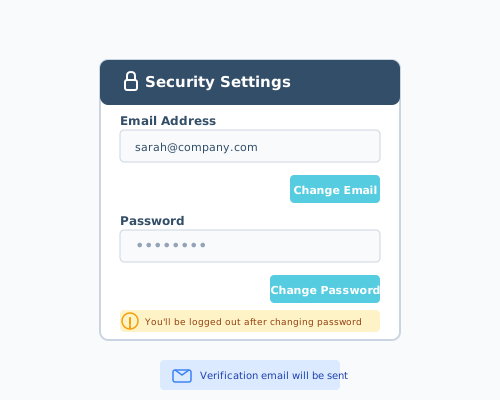
Changing your password or email
Update your login credentials and contact information.
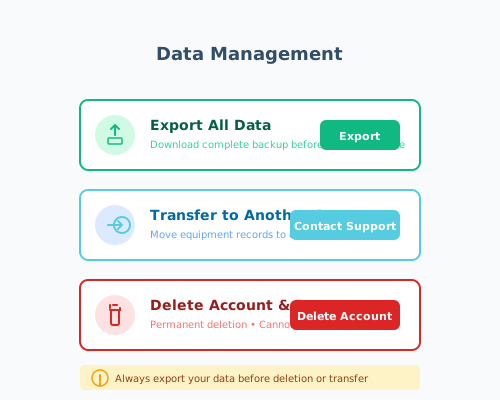
Deleting or transferring data
Export data before closing your account or transfer to another organization.
Frequently Asked Questions
How do I get started with WorkSignals?▼
Sign up for a free account at app.worksignals.net, add your equipment, generate QR codes, and start running inspections. Check out our Quick Start Guide for a detailed walkthrough.
Can I use WorkSignals offline?▼
Yes! The WorkSignals mobile app works offline. Complete inspections anywhere, and your data will automatically sync when you reconnect to the internet. Learn more in our Offline Mode guide.
How much does WorkSignals cost?▼
WorkSignals offers a free plan for up to 10 equipment items, with paid plans starting at $49/month for unlimited equipment and advanced features. Visit our pricing page or read about pricing and plans.
How do I create custom inspection templates?▼
Navigate to Templates in your dashboard and click "Create Template" to build custom inspection forms with your specific questions and checklists. See our guide on creating custom inspection templates.
Can I export my inspection data?▼
Absolutely! Export your data in multiple formats including PDF for professional reports, CSV for spreadsheet analysis, and Excel for detailed data manipulation. Learn more about exporting data.